Meetups and photos
From “Meet up?” to the group photo
Suggest a plan in the chat: who's in, who brings what, how much it cost and the beacon to find each other on the day. Afterwards, everyone's photos in an album only your group can see.

Everything you need to know.
Who's coming and who brings what
A meetup is a living object in the chat: everyone replies, signs up to bring something and sees how the list is going. No endless message chains.
Split expenses
Note down what each thing cost, with a photo of the receipt, and keepasa splits it.
The beacon
On the day of the meetup, turn on the beacon and the others see where you are while it lasts. It turns itself off.
Photos and albums
The meetup's photos go into its album. Send up to ten at once, save them to your camera roll or forward them, always encrypted.
Share from other apps
From Photos, your browser or any other app, choose “Share” and then keepasa: you pick the chat, add a comment and it goes encrypted.
Questions about meetups and photos.
Do photos lose quality?
They're resized before sending so they load quickly, with sharp thumbnails; you can send the original file as a document.
More from keepasa.

Your circle
Nobody gets in unless you let them in.
Learn more
Chats by topic
A separate chat for every topic with the same person.
Learn more
Just for you
Chats with yourself, no limit, and notes only you can see.
Learn more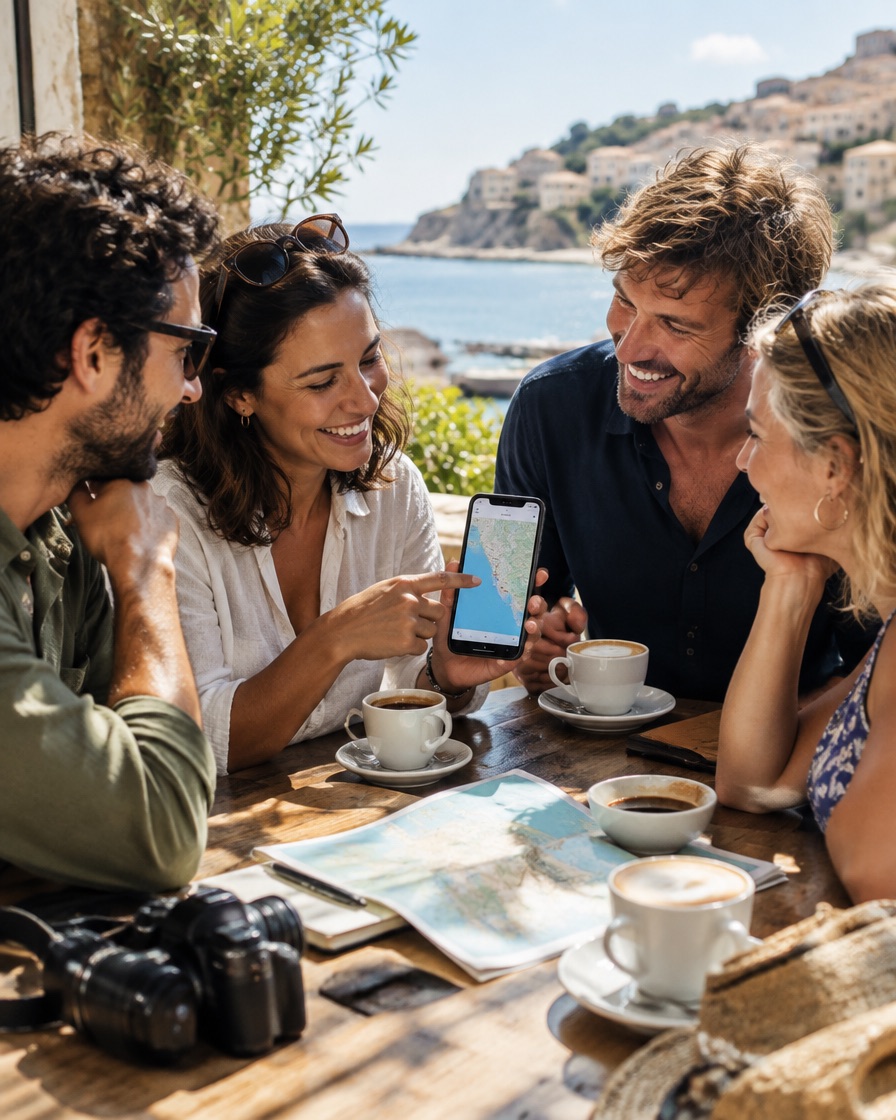
Rooms with threads
The family, the gang, the class. With threads by topic.
Learn more
Calls
If keepasa rings, it's one of your people.
Learn more
Notes and classes
Write by hand and record the class, linked to every stroke.
Learn more
Start with your people.
Install keepasa and open the invitation you were sent. No sign-ups, no numbers, no surprises.
keepasa is in testing: ask whoever told you about it for an invitation.